Making IEP Communication Easier for You and Your Team
Let’s be honest. Compliance isn’t the fun part of the job.
Nobody became a special education teacher or joined the ranks of case managers because they love tracking down signatures or making sure the right box got checked. You got into this work because you care about kids.
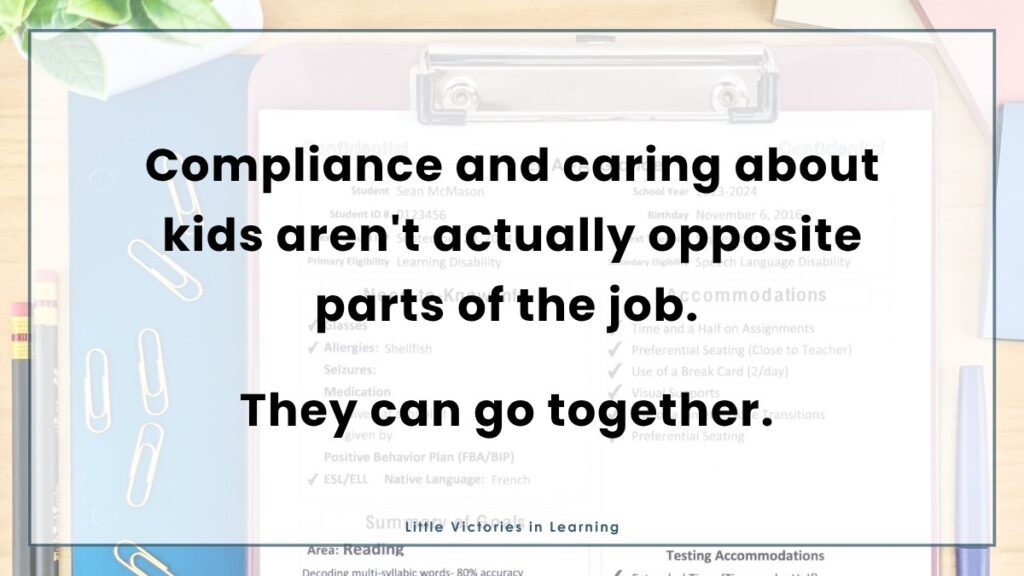
And, when it comes down to it, compliance and caring about kids aren’t actually opposites. When you make sure every teacher on a team understands the IEP and their role in it, you are supporting your special education students in every classroom, every period, every day.
The hard part is that this is a lot to manage on top of everything else already on your plate. Between writing IEPs, running an annual IEP meeting, managing data collection, and the dozen other things that fall under a special education teacher’s job description, making sure every general education teacher, paraprofessional, and related service provider actually understands a student’s plan can feel like one more thing you don’t have time for.
The good news is that it doesn’t have to be complicated. A few simple tools can take this from a source of stress to a system you can run on autopilot.
Nobody Has Time to Read a Full Individualized Education Program
Here’s something that’s true even though we don’t always say it out loud: most general education teachers are not going to sit down and read a 20-page IEP front to back. They have their own classrooms full of students and their own overflowing to-do lists. That’s not a knock on them; it’s just reality.
In the fast-paced environment of a school, successful inclusion requires intentional communication. Sharing IEP with gen ed teachers is vital, but the format matters. When you hand someone a legal document, they cannot easily pick out what matters.
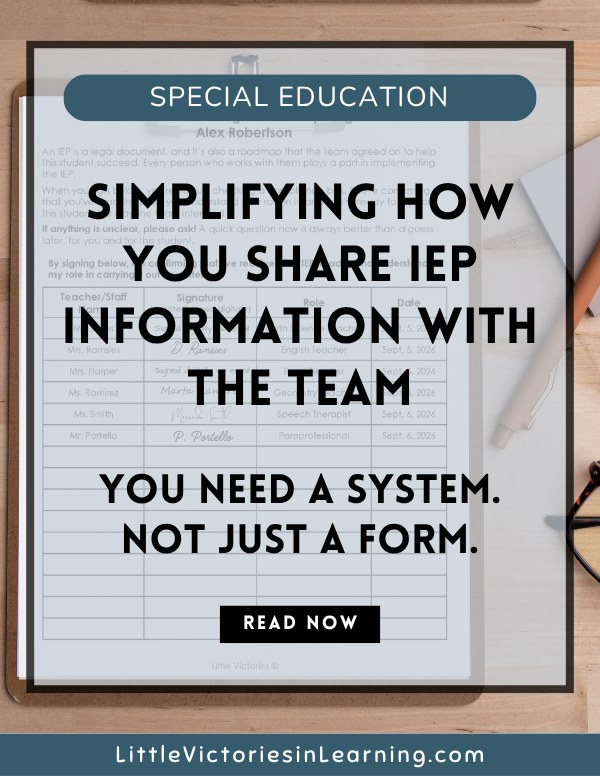
This is where collaboration with general education teachers really starts to click. The goal is to provide a one-page document, often called an IEP snapshot or an IEP At-A-Glance, that gives them exactly what they need in a format they can actually use.
Instead of a full IEP, a teacher gets a concise summary of the need-to-know information. This includes student goals, specific accommodations and modifications, related services, and contact information. There is no jargon to decode and no flipping through pages to find the one line about testing accommodations or behavioral visual supports.
Part of what makes this hard is the language itself. Terms like present levels of performance, placement, and related services are precise for good reason, but they are also confusing. That’s exactly why an IEP at a glance works so well: it translates the plan into plain language a busy teacher can use on the spot, without losing anything that matters.
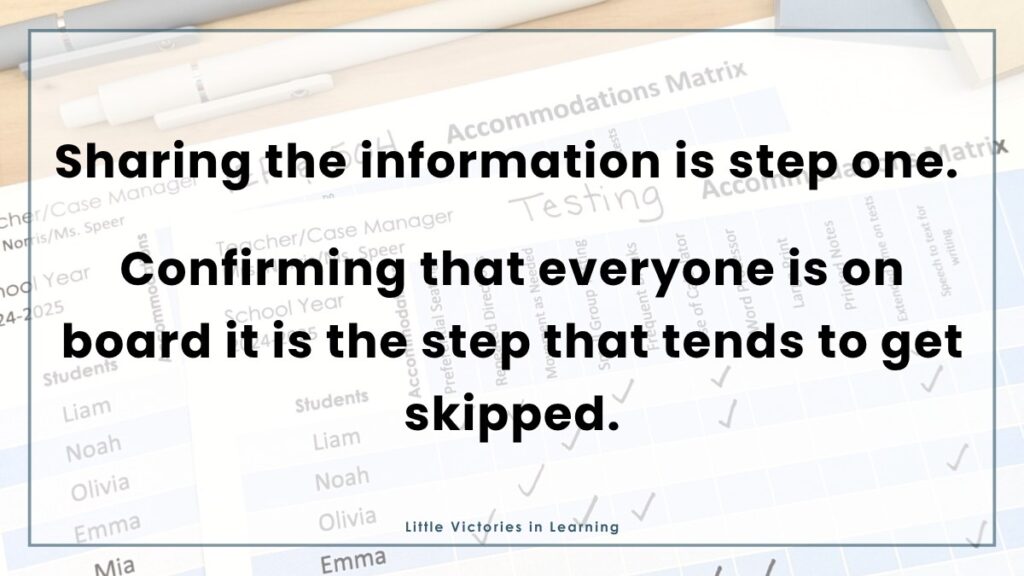
Pair that with an Accommodations Matrix, and you’ve solved the other half of the problem: keeping track of who needs what across an entire class. Instead of trying to remember which of your twenty students needs extended time versus preferential seating, it is all laid out in one simple grid. Check the box, see the need, and move on with the lesson.
Neither of these replaces the formal IEP. But they make the document usable in the moment it actually matters, which is in the middle of a busy classroom, not in a file cabinet.
Keeping the Whole Team on the Same Page
This system isn’t just for general education teachers, either. Paraprofessionals are often the ones spending the most one-on-one time with a student, and they need the same at-a-glance clarity about accommodations, classroom expectations, and behavior supports as anyone else on the team supporting special education students. If a student also has a behavior intervention plan, a similar one-page summary can walk a paraprofessional or substitute through the plan’s strategies without them ever needing to track down the full document.
Having the information laid out clearly means you don’t lose instructional time looking for it. A quick glance at a matrix or snapshot takes seconds, compared to the minutes, or the whole prep period, it can take to dig through a full IEP mid-lesson.
Closing the Loop: Does Everyone Actually Know?
Sharing the information is step one. Confirming that everyone got it and is clear is step two, and it is the step that tends to get skipped because it can feel tedious.
This is where an IEP Acknowledgment Log earns its place in your system. Instead of wondering if the new paraprofessional ever saw the accommodations page, you have one place to track who has received the information and who needs a follow-up.
This also addresses your documentation needs. If a family or administrator ever asks whether a teacher was informed before an IEP meeting, you have your answer ready.
An Acknowledgement Log is really important during back-to-school season, and again after each annual IEP meeting, when IEP updates are made and services and accommodations might shift.
Can I share IEPs through email or online?
Yeah, that’s a great way to save a lot of paper and avoid a trip to the copier.
Many districts also give teachers direct access to IEPs through an online system, so sharing doesn’t always mean printing and handing over paper.
Whether you’re emailing a PDF copy directly or confirming that a teacher can log into your district’s platform and pull it up themselves, the goal is the same: make sure the plan actually gets in front of the right people, and that you have a record of it.
Writing that email from scratch for every teacher on every caseload gets old fast, which is exactly why the IEP Acknowledgment Log includes ready-to-use email language for both scenarios, so you can copy, paste, and move on with your day.
Just make sure you follow your school district’s policies and always avoid including a student’s name in the email subject. Stick to initials and remember that every email you send as a public school teacher can be reviewed by families and courts.
A Chance to Build Your Student’s Student Self-Determination
Collecting these signatures doesn’t have to be something you do alone.
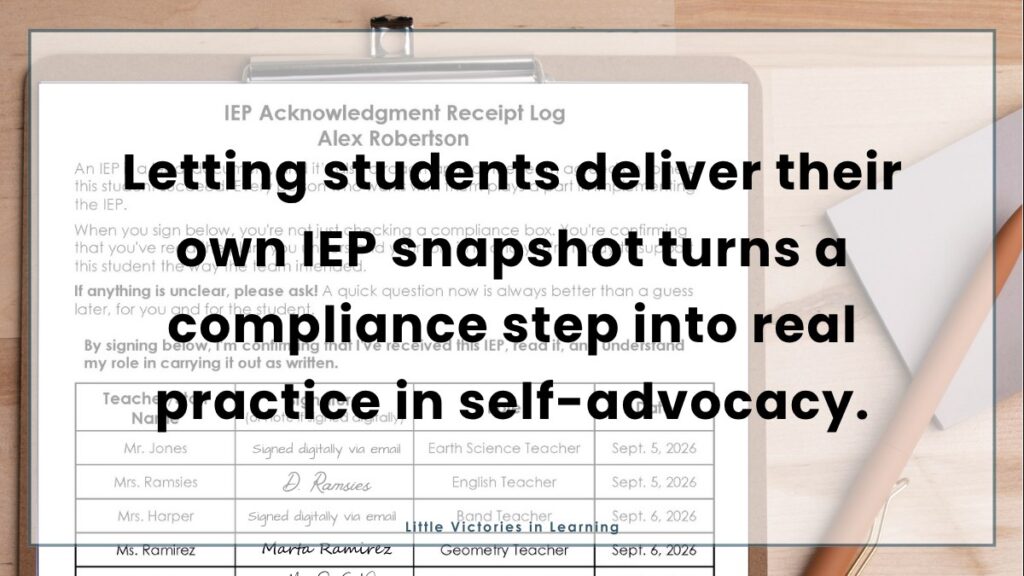
Handing a student the chance to deliver their own IEP snapshot to their teachers, and collect the acknowledgment signature themselves, is a small, low-stakes way to build self-determination skills that will matter for the rest of their life. Starting this practice early helps a student see their plan as something that belongs to them. It is a meaningful step toward the kind of self-advocacy skills students will need long after they leave your caseload, and it gives a busy special education teacher one way to make a compliance task into something more.
Putting It All Together
None of these tools are complicated on their own. What makes them powerful is using them together, as one simple system that keeps general education teachers, paraprofessionals, and related service providers all on the same page:
- Share the need-to-know information with an IEP At-A-Glance
- Make accommodations easy to track and implement with an Accommodations Matrix
- Confirm everyone actually understands their role with an IEP Acknowledgment Log
If you want to get all three at a discount, they’re bundled together in the IEP Communication Bundle, built to work as one complete system: share it, implement it, confirm it.
Compliance will probably never be the most exciting part of this job. But with the right tools, it doesn’t have to eat up your planning period either. And when you build in small opportunities for your students to take the lead, it becomes something bigger than a box to check. It becomes one more little victory in helping them advocate for themselves, built on the same collaboration that got them this far.
A Few Things to Remember
- Keep it simple. General education teachers are unlikely to read the full legal document, so a one-page IEP at a glance gives them the essential student goals and accommodations they actually need.
- Save real time. An Accommodations Matrix lets you check accommodations for an entire caseload in seconds, instead of digging through paperwork mid-lesson.
- Document as you go. An Acknowledgment Log makes sure every teacher and paraprofessional has actually seen the plan, and gives you something to point to at an IEP meeting or an audit if anyone ever asks.
- Build the skill, not just the box to check. Letting students deliver their own IEP snapshot turns a compliance step into real practice in self-advocacy and everyday inclusion.
Common Questions
Does an IEP at a glance replace the full IEP?
No. It’s a communication tool, not a substitute. The full individualized education program is still the legal document your team maintains, this just makes it usable in the moment a general education teacher actually needs it, without asking them to interpret formal language like present levels of performance on their own. You should share the full IEP along side the IEP at a glance.
How often should I update these tools?
Any time the IEP changes. If a student’s accommodations and modifications are revised, or their behavior intervention plan gets updated, your snapshot and matrix should be updated the same week, not left to catch up at the next annual IEP meeting.
Is it appropriate to have students deliver their own IEP snapshot?
Yes, for most students this is a great low-stakes way to build self-advocacy. It also reinforces classroom expectations early, since the student is the one setting the tone for the conversation with their teacher. You can do this as soon as a student is ready, which for many will be in upper elementary school.
What if a staff member won’t sign the Acknowledgment Log?
Have a direct, professional conversation to understand what’s holding them up, whether it’s confusion about the plan, a scheduling issue, or something else. Some case managers find it easier to send a quick follow through email, as a lower-pressure way to follow up before instructional time gets away from everyone. Document your outreach either way, and keep the student’s needs front and center.